Corporate Website Redesign: A Guide for Established Companies
Corporate Website Redesign: A Guide for Established Companies
A corporate website redesign works when it starts from what buyers, partners, candidates and investors need to do on the site, and ends with a migration that keeps your search traffic intact. For most established companies that means auditing existing content first, mapping every old URL to a new one, and meeting Core Web Vitals and WCAG 2.2 Level AA before launch.
This guide draws on Gartner's B2B buying research, Nielsen Norman Group's content audit method, Google Search Central's site move documentation, web.dev's Core Web Vitals thresholds, the 2025 Web Almanac and the W3C's WCAG 2.2 guidance, plus patterns from Hatypo's corporate projects.
My name is Yunus Ersyah and I am a UI/UX Designer at Hatypo Studio. Hatypo has worked on 100+ corporate client projects since 2021 across property, engineering, manufacturing and other industries. I designed the page structure and interfaces for these sites, and this guide covers the planning and design decisions that repeat across Hatypo’s corporate projects.

When does an established company need a corporate website redesign?
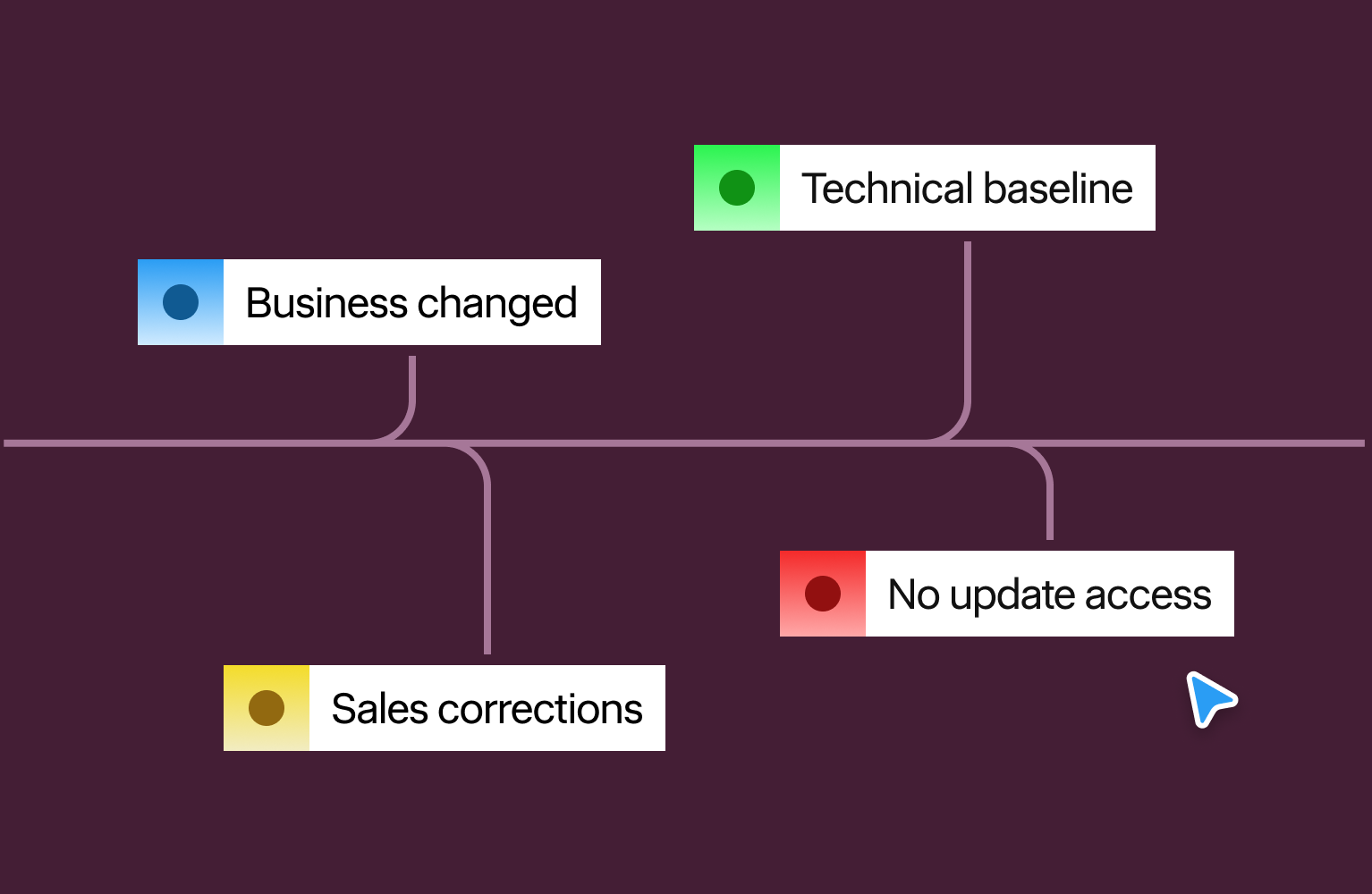
A redesign pays off when the site no longer matches how the company sells, hires or reports. Four triggers come up most often in corporate work:
- The business changed. A merger, a new division or a move into new markets leaves the navigation describing a company that no longer exists.
- Sales conversations start with corrections. When reps spend the first meeting explaining what the site gets wrong, the site is costing credibility before anyone has spoken.
- The site misses the technical baseline. Slow pages, broken mobile layouts and inaccessible forms show up in Search Console and in complaints.
- Nobody can update it. If a text change needs a developer ticket, content goes stale and stays that way.
One trigger justifies an audit. The audit then decides whether the answer is a full rebuild or a focused refresh of the pages that matter.
What should a corporate website achieve?
A corporate site serves several audiences at once, and each arrives with a different job to do. Gartner's research describes B2B buyers looping back through each of six buying jobs at least once, with stakeholders using the supplier's website at various points along the way.
Set one primary goal per audience before design starts. Across our corporate projects, five audiences cover most briefs:
- Buyers and procurement teams need capabilities, certifications, project references and a clear way to request a quote.
- Investors and partners need leadership names, company history and figures they can verify.
- Candidates need open roles and a realistic view of working at the company.
- Existing clients need fast routes to support, documents and named contacts.
- Press and regulators need one place for official statements, reports and contact details.
Each goal needs a measure: quote requests, application starts, document downloads. Without one, the redesign gets judged on taste in the review meeting.
Gartner also found that buyers who use a supplier's digital tools together with a sales rep are 1.8 times more likely to complete a high-quality deal than buyers who use them alone. Put a named contact or inquiry route on every page that supports a buying decision.

How do you plan a corporate website redesign?
Planning shapes the outcome. Four steps come first.
- Audit content before designing. NN/g defines a content inventory as a list of every piece of digital content and an audit as the quality assessment of that list, and recommends doing both. Mark each page keep, update or remove, and give every update an owner.
- Name one decision owner. Corporate sites collect opinions from legal, HR, sales and leadership. One person with the authority to settle disputes keeps the schedule intact.
- Structure navigation around visitor tasks. Group pages under the jobs visitors came to do: find services, see projects, check credentials, apply for a role. Visitors outside the company often don't know its division names.
- Settle migration scope after the audit. Content that gets rewritten or cut changes the timeline and the budget. Decide it before design starts, with the keep, update and remove list in hand.
What do corporate sites need in property, engineering and manufacturing?
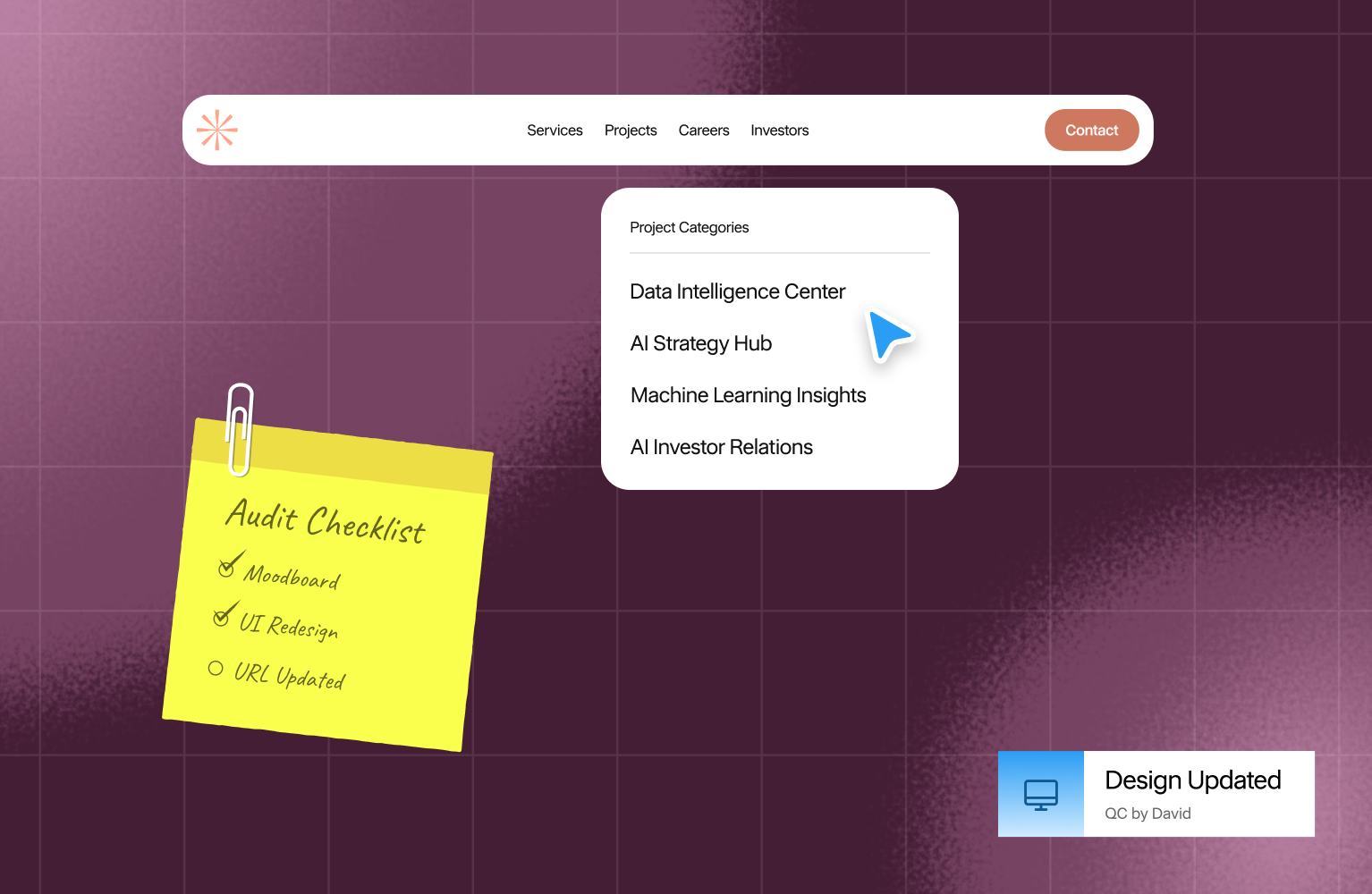
The core structure repeats across industries. The proof content changes. This table lists what visitors in three sectors we work with check first, and the page to build around it.
Other sectors follow the same pattern. Find the evidence a buyer needs to shortlist you, then give it its own page.
How do you protect search traffic during migration?
A redesign that changes URLs can lose visibility if old addresses stop resolving. Google's site move guidance lists the controls.
- Map every old URL to a new one. Start with the pages that earn traffic and links, pull the full list from the CMS and server logs, and include images, PDFs and videos.
- Use permanent server-side redirects. Google recommends 301 or 308 redirects and advises against long chains. Sending many old pages to the homepage can be treated as a soft 404.
- Change one thing at a time. Google advises against switching domain, CMS and design in the same release.
- Keep redirects for at least a year. Google says to keep them as long as possible, ideally 1 year or more.
- Remove staging blocks before launch. Take out any noindex rules and robots.txt blocks used during development.
- Monitor after launch. Watch Search Console for crawl errors and indexing changes. Rankings can fluctuate temporarily, and Google says a small to medium site typically needs a few weeks to move most pages.
What performance and accessibility targets should a corporate site meet?
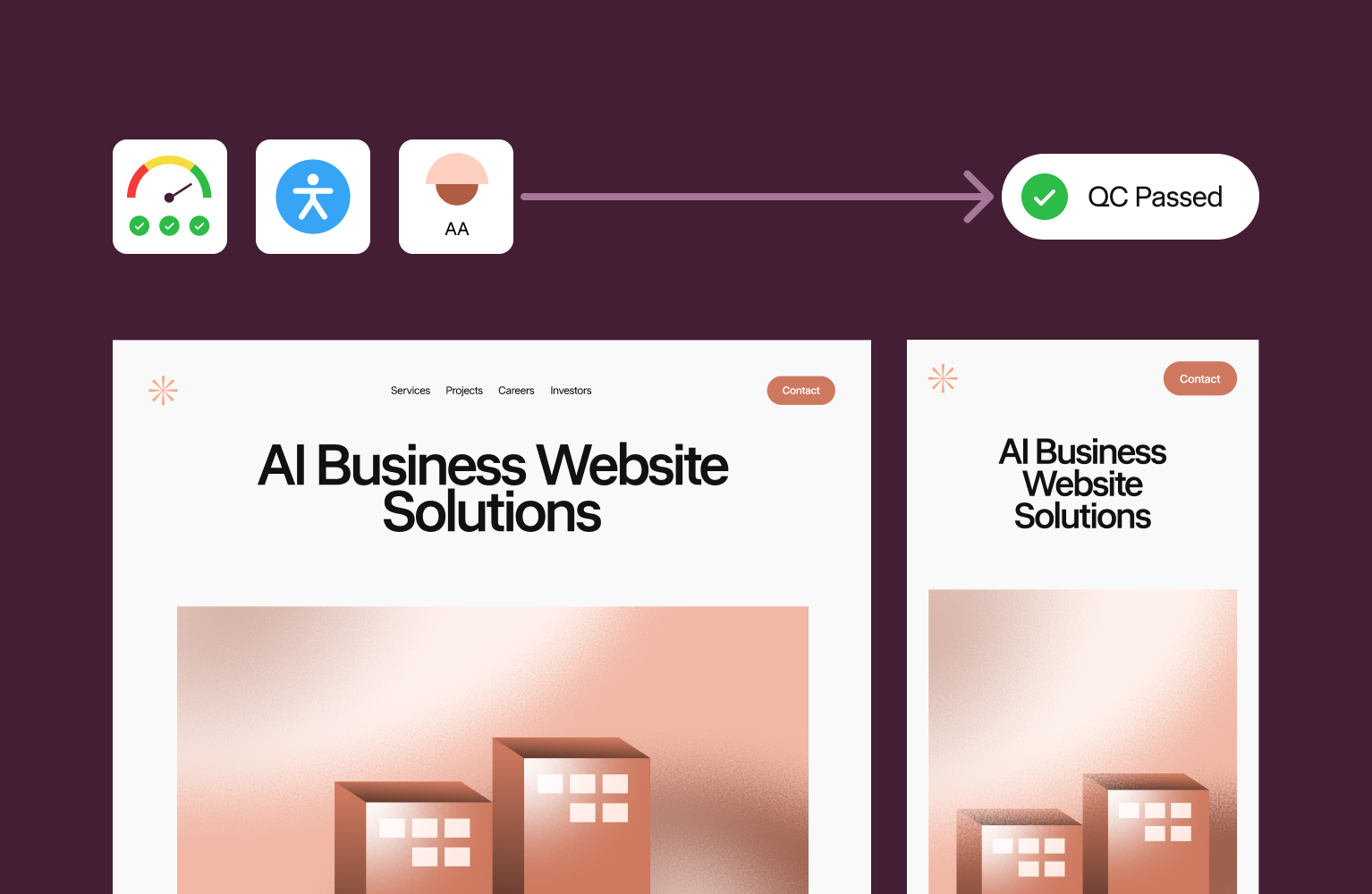
Two published standards give a redesign testable targets. web.dev sets good Core Web Vitals at a Largest Contentful Paint of 2.5 seconds or less, an Interaction to Next Paint of 200 milliseconds or less and a Cumulative Layout Shift of 0.1 or less, measured at the 75th percentile of page loads.
The 2025 Web Almanac found 48% of mobile sites and 56% of desktop sites passed all three, using July 2025 data. Test the homepage and the top landing pages from Search Console. Home pages passed less often than secondary pages in the Almanac (45% against 56% on mobile).
On accessibility, WCAG 2.2 became a W3C Recommendation on 5 October 2023 and adds 9 success criteria to WCAG 2.1. Two Level AA additions affect corporate layouts directly: pointer targets of at least 24 by 24 CSS pixels, and keyboard focus that sticky banners or cookie bars never fully hide.
How do you run a corporate website after launch?
Corporate sites go stale when ownership is unclear. NN/g notes that content audits are ongoing work and tend to fail when they are added on top of someone's existing duties.
- Assign a content owner per section. Services, projects, careers and news each get one named person who approves changes.
- Set CMS roles. Editors change copy, approvers publish and only developers touch templates, so a text edit never waits for a ticket.
- Schedule reviews. Review project pages and certifications every 6 months, and watch the Core Web Vitals report in Search Console for regressions.
- Report against the planning goals. Track quote requests, applications and document downloads monthly, compared with the baseline taken before launch.
Planning a healthtech product that has to be accessible and compliant?
A redesign works best when the audit, the page structure and the migration plan exist before the first screen is drawn.
Hatypo has worked on 100+ corporate projects since 2021 across property, engineering, manufacturing and other industries, and projects start at $3,000 with the price following the scope.
- If you are planning a new corporate site, we plan the page structure and content with you, then design and build it.
- If your current site underperforms, we audit it and fix the pages and flows that cost you inquiries.
- If the company has outgrown its first site, we restructure it around current services and audiences and plan the migration so search traffic holds.
Tell us which stage you're at and we'll scope it together: Book a consultation.
Heading 1
Heading 2
Heading 3
Heading 4
Heading 5
Heading 6
Lorem ipsum dolor sit amet, consectetur adipiscing elit, sed do eiusmod tempor incididunt ut labore et dolore magna aliqua. Ut enim ad minim veniam, quis nostrud exercitation ullamco laboris nisi ut aliquip ex ea commodo consequat. Duis aute irure dolor in reprehenderit in voluptate velit esse cillum dolore eu fugiat nulla pariatur.
Block quote
Ordered list
- Item 1
- Item 2
- Item 3
Unordered list
- Item A
- Item B
- Item C
Bold text
Emphasis
Superscript
Subscript

Authors :

Webflow vs Framer for SaaS Marketing Sites in 2026
By Oryza Sativa, Front End Developer at Hatypo Studio · Last updated: October 2026 · 8 min read · Websites · Development · Strategy
For most SaaS marketing sites in 2026, Webflow Premium fits content-heavy sites and Framer Pro fits design-led sites with a smaller library. Webflow Premium costs $25 a month billed yearly and holds 20,000 CMS items. Framer Pro costs $30 a month billed yearly and holds 2,500 CMS items, extendable to 40,000 with paid add-ons. Neither platform exports a full working site.
Prices and limits come from Webflow's and Framer's own pricing pages, read in October 2026, plus Webflow's May 2026 plan announcement. Performance thresholds come from Google's web.dev and the 2025 HTTP Archive Web Almanac. Third-party trackers fill gaps, and the article names them when it uses them.
I'm Oryza Sativa, a Front End Developer at Hatypo Studio. Hatypo has delivered 20+ dashboard and SaaS projects since 2021 and builds client websites in both Webflow and Framer. This comparison covers what a developer meets after the design is signed off: limits, code, performance, and hand-off.
Key takeaways
- Webflow merged its CMS and Business plans into Premium on May 13, 2026, and the plan now carries 20,000 CMS items instead of 2,000.
- Framer Pro's 2,500-item cap is the limit a content-heavy SaaS site hits first, and each extra 10,000 items costs $20 a month.
- At list price, one designer plus two content editors costs about $55 a month on Webflow and $50 on Framer, before add-ons.
- Webflow exports HTML and CSS without CMS content, and Framer exports nothing, so treat either choice as long-term.
- A/B testing starts at $299 a month on Webflow and costs $50 per 500,000 events on Framer, so price experiments before you commit.
What changed in Webflow and Framer pricing in 2026?
Webflow rebuilt its Site plans on May 13, 2026. The old CMS and Business plans became one Premium plan at $25 a month billed yearly, or $39 billed monthly. CMS items rose to 20,000, and the CMS item add-ons disappeared.
Existing sites move at their next renewal on or after June 29, 2026. Sites in Freelancer or Agency workspaces, and sites on legacy discounts from 2022 or earlier, move on or after November 16, 2026. Business-plan sites should check bandwidth: Premium includes 50 GB, where Business included 100 GB.
Framer's own pricing page now lists Free, Basic at $10, Pro at $30 and a custom Enterprise plan. Cost trackers recorded the $100 Scale plan leaving the lineup on June 16, 2026, so older comparisons may list a plan that no longer exists.
Framer also changed editor pricing in May 2026. Extra editors now cost $20 a month on both Basic and Pro, and CMS-only content editors cost $10, with viewers free.
How does Webflow vs Framer pricing compare for a SaaS marketing site?
The table compares Webflow Premium and Framer Pro, the plcans a SaaS marketing site with a blog, integration pages and a changelog would buy. All prices are list prices in USD with yearly billing unless noted, read from each vendor's pricing page in October 2026.
Sources: Webflow pricing, Framer pricing.
For a small team, the seat arithmetic decides the monthly bill. One designer plus two content editors costs $55 a month on Webflow ($25 plus two Limited seats at $15) and $50 on Framer ($30 plus two content editors at $10). Both figures exclude add-ons and tax.
Experiments and languages move the total more than seats do. A/B testing on Webflow starts at $299 a month, billed by page views, and Framer's Convert add-on costs $50 per 500,000 events. Each added language costs $20 a month on Framer, while Webflow Localize starts at $9 and scales with locales.
Which platform fits a SaaS site's CMS volume?
Take an example site with 150 blog posts, 80 integration pages, 60 changelog entries and 30 comparison pages. That is 320 CMS items, well inside Framer Pro's 2,500 and Webflow Premium's 20,000. The platforms separate when the content plan grows toward thousands of generated pages.
Framer Pro stops at 2,500 items and 10 collections. Past that, add-ons cost $20 per 10,000 items and $40 per 10 collections, capped at 40,000 items and 40 collections. Beyond the cap, limits are negotiated on Enterprise.
Webflow Premium carries 20,000 items and 40 collections, and no item add-ons exist anymore. Unpublished drafts still count toward the cap, according to one Webflow agency's 2026 guide, and a full plan blocks new items rather than edits.
A site that plans programmatic pages, such as one landing page per integration, per use case or per city, should start on Webflow or budget Framer add-ons from day one. A site that publishes a few hundred items will not meet either limit.
How do Webflow and Framer compare on performance and SEO?
A site that plans programmatic pages, such as one landing page per integration, per use case or per city, should start on Webflow or budget Framer add-ons from day one. A site that publishes a few hundred items will not meet either limit.
The 2025 Web Almanac, using July 2025 field data, found 48% of mobile sites and 56% of desktop sites passing all three. A platform sets the starting point, and what each site adds on top decides the result.
Each vendor publishes its own claims, and you should test them on your own build. Framer describes traffic-aware pre-rendering, static generation and edge image conversion to WebP and AVIF. Webflow describes AWS hosting behind a Cloudflare CDN and says it reaches 95% of the world in under 50 milliseconds.
On SaaS sites the risk often arrives after launch. Google's web.dev says tag managers can take bandwidth and main-thread time, and it has seen a correlation between tag manager size and poorer INP scores. Analytics, chat widgets and consent banners need a script budget on either platform.
Both cover the technical basics. Webflow lists custom meta tags, canonical tags, an automatic XML sitemap, robots.txt and llms.txt controls, schema markup support and per-item indexing for CMS content. Framer lists built-in SEO, sitemaps, clean metadata and llms.txt, with redirects on Pro.
Which platform is easier for marketers to edit after launch?
Webflow separates design seats from content seats. Full seats cost $39 a month, and Limited seats cost $15 for editing content or building pages with components. The Team plan costs $2,500 a month on an annual contract and adds publishing workflows, single-page publishing and 5 full seats.
Framer charges $20 a month for each additional editor and $10 for content editors who only touch the CMS, localization and on-page editing. Both paid plans cap edit seats at 10. Pro adds a staging environment and branching with previews.
Branching matters for a marketing site that ships weekly. Framer includes it on Pro, and Webflow's pricing page lists branch staging and publishing workflows under the Team plan.
Which should a SaaS team choose in 2026?
My recommendation: start a SaaS marketing site on Webflow Premium when it will publish more than 2,500 CMS items, needs more than 150 static pages, or will move to a governed team setup. The ceiling is 20,000 items, and the Team plan is the next step up.
Choose Framer Pro when the site stays under about 2,500 items, a designer owns the build, and the team wants branching and low-cost content-editor seats. At $30 a month with 10 collections, it fits a launch site, a changelog and a blog.
Whichever you pick, run three checks before launch. Price the add-ons you will need in year one. Test Core Web Vitals on a staging build with every third-party script installed. Write down who owns the site if the platform changes its pricing again.
Need help choosing or building a SaaS marketing site?
Choosing between Webflow and Framer gets easier after a short review of your content plan, your editing team and your third-party scripts.
Hatypo has delivered 20+ dashboard and SaaS projects since 2021, and projects start at $3,000 with the price following the scope.
- If you are launching a new SaaS site, we design it and build it in Webflow or Framer to match your content plan.
- If your current site is slow or converts poorly, we audit the build and fix what the audit finds.
- If your site has outgrown its first version, we plan the move to the platform that fits the next stage.
Tell us where the site stands today and we will recommend a platform: Book a consultation.
Fintech Onboarding UX: How to Earn Trust in the First 60 Seconds
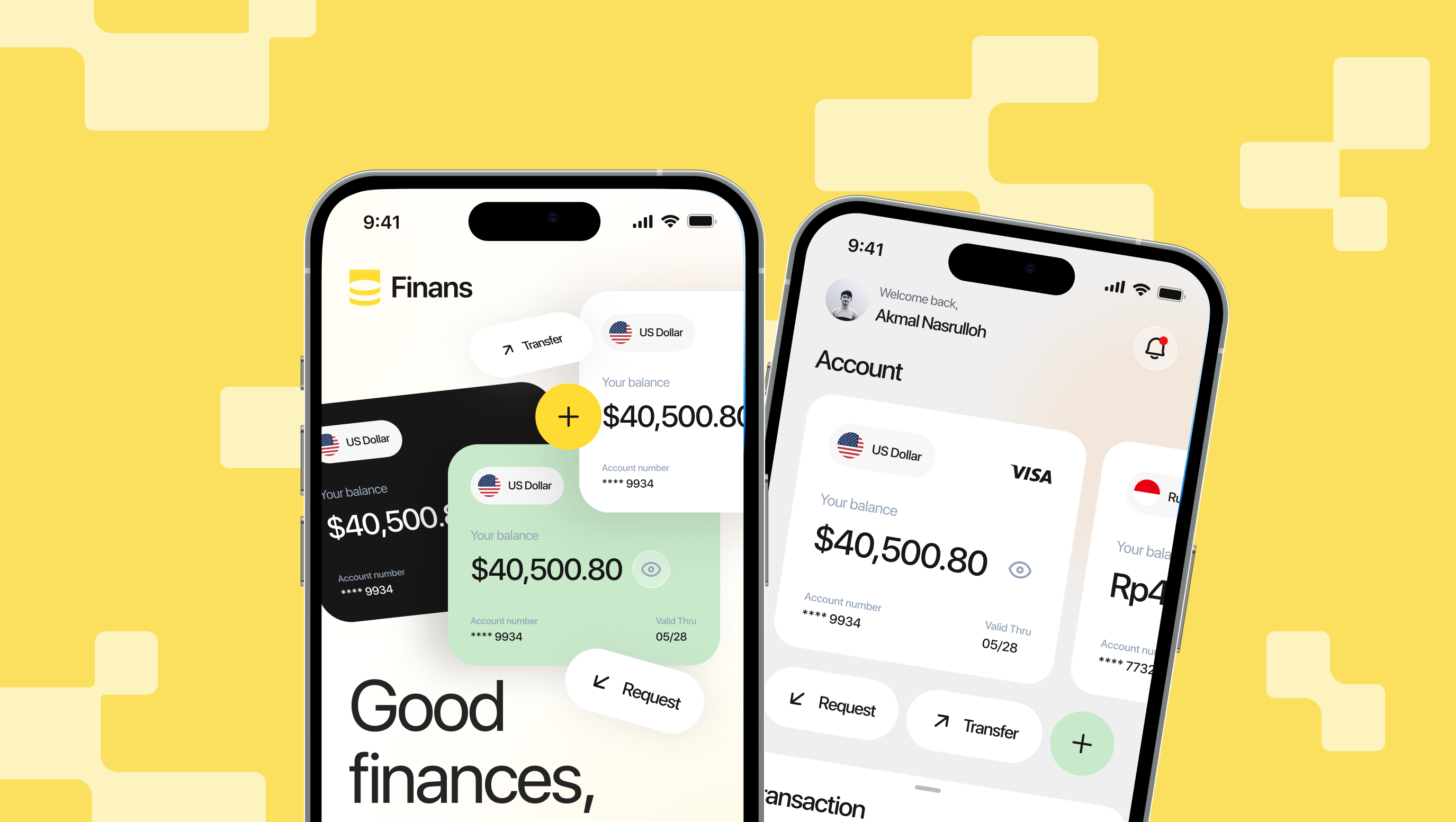
Fintech onboarding earns trust in the first 60 seconds by showing proof before it asks for data. Show what the product does and costs, who runs it and which regulator oversees it, then ask for the least data you can, explain each request, and finish with a first real result. In Signicat's 2022 survey, 68% of European consumers had abandoned a financial application.
This guide draws on Signicat's 2022 Battle to Onboard survey as reported by FinTech Global and Payment Expert, Nielsen Norman Group's research on trustworthy design and progressive disclosure, Baymard Institute's 2025 checkout study, and Gitte Lindgaard's 50-millisecond first-impression study as reported by Nature.
Why does fintech onboarding UX come down to the first minute?
People judge a screen before they read it. Carleton University researcher Gitte Lindgaard and her team found that visual appeal can be assessed in 50 milliseconds, and those quick verdicts matched ratings given after longer viewing.
That study measured visual appeal, not trust. It does show how little time a first screen gets, and money raises the stakes. In Signicat's 2022 survey of 7,600 European consumers, 68% had abandoned a financial application in 2021, up from 63% in 2020.
The reasons were split. Time needed, the amount of personal data requested, and people changing their minds each drew 21%. Two of those three are decisions a design team controls. Separately, 92% of respondents said they worry about how providers use their data.
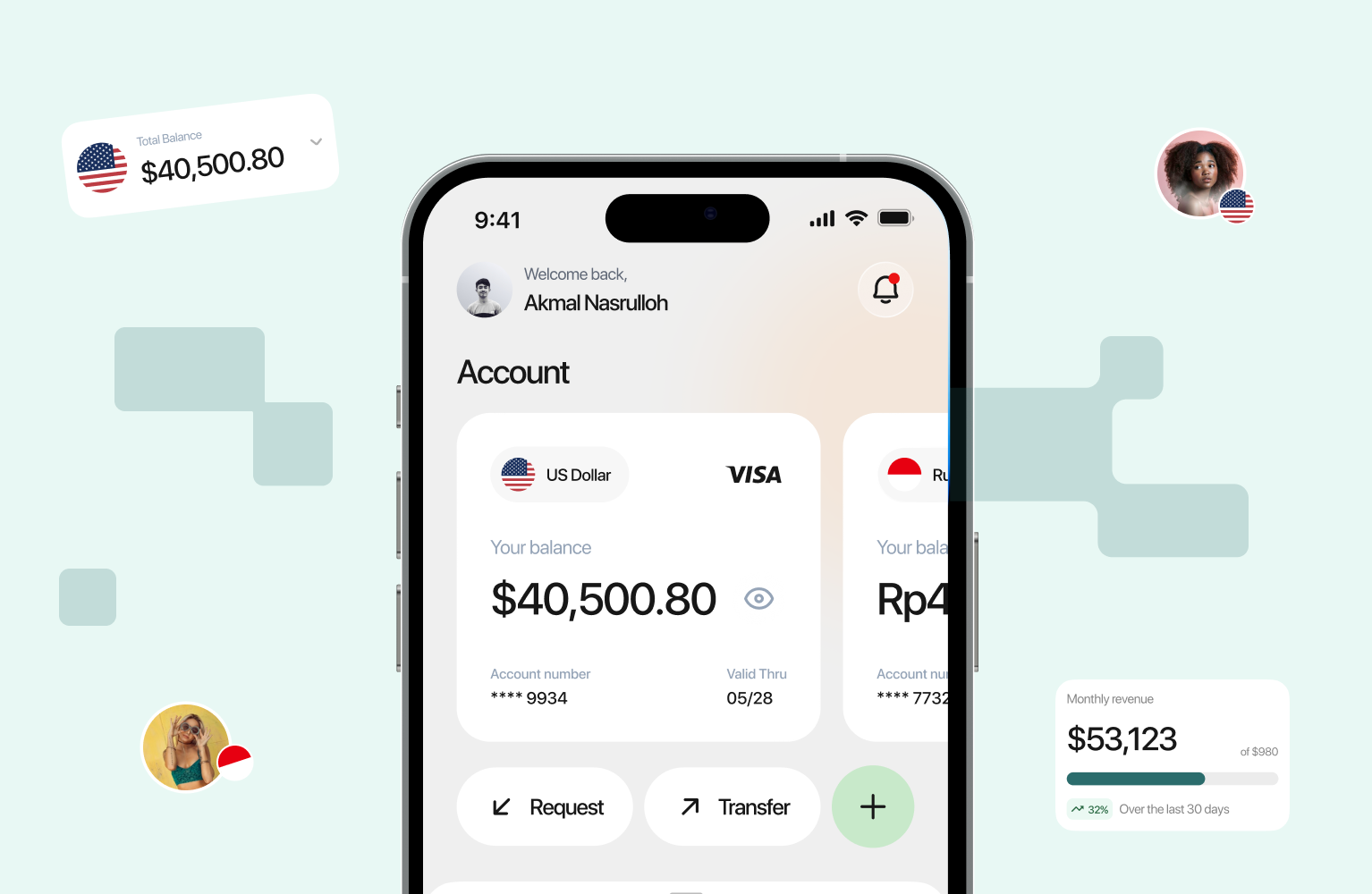
The 60 seconds in the title is a working frame, not a measured cutoff. We use it to sort onboarding into 4 questions a new user answers in order: what is this, who is behind it, what will it ask of me, and what do I get? The sections below follow that order.
What should users see before they hand over any data?
Nielsen Norman Group's trust research names 4 factors people use to judge a site: design quality, upfront disclosure, comprehensive and current content, and connection to the rest of the web. Its later study found users still weigh the same 4 that Jakob Nielsen listed in 1999.NN/g also reports that asking for personal information before people can explore degrades trust. For a fintech app, that rules out a signup wall as the first screen. Let people see the product, the pricing and the rules first.
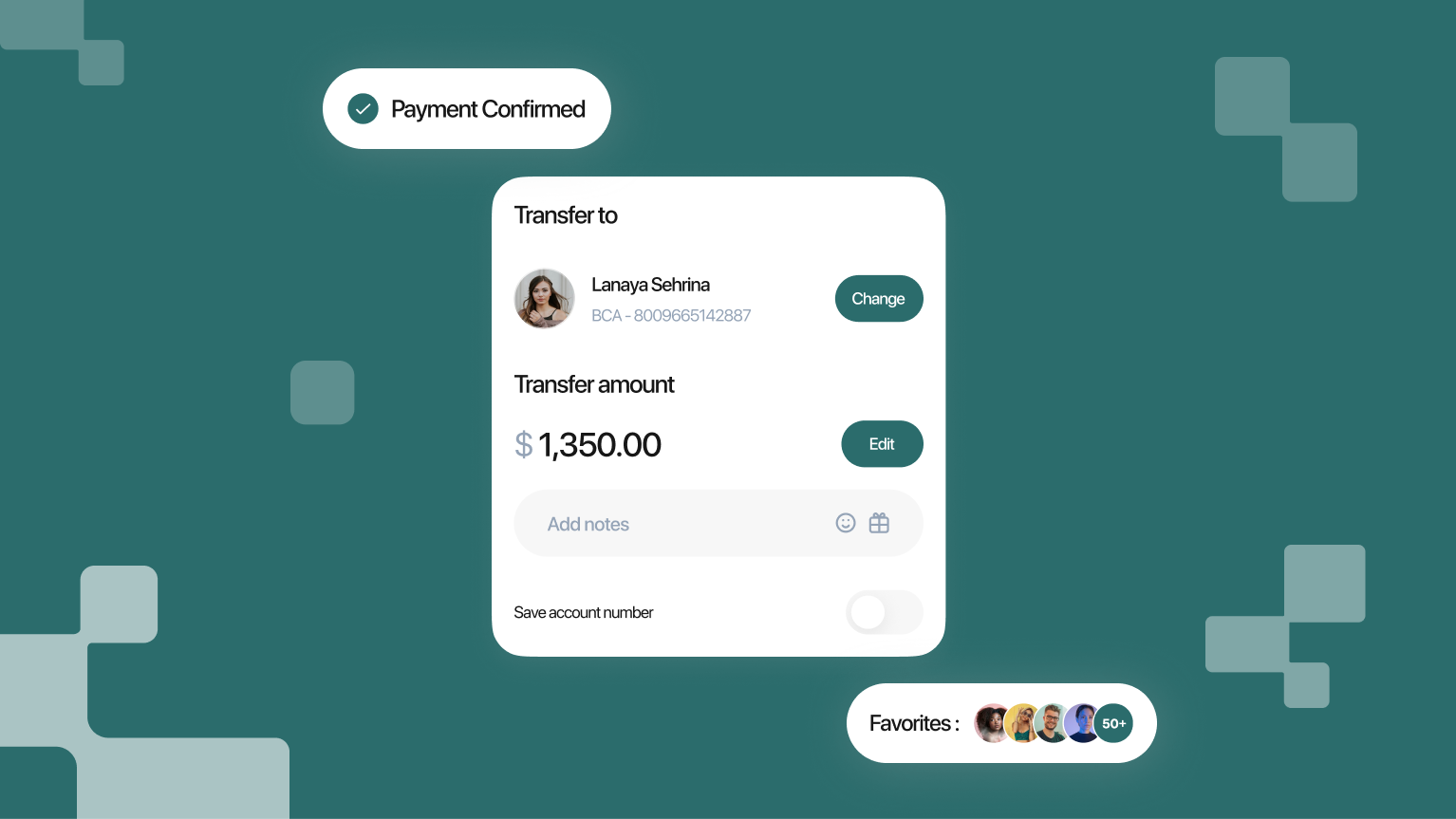
The first screens should answer 3 questions before any form field appears:
- What does it do and what does it cost? One line on the product, and fees visible without an account. NN/g observed that sites missing basic information were quickly dropped from consideration.
- Who runs it and who regulates it? Show the legal entity name, the regulator and the license number, linked to the regulator's public register where one exists.
- How do I reach a person? Show a support channel and a stated response time without scrolling.
NN/g notes that typos and broken links quickly degrade credibility. A screen that handles money has less room for them, so fix them before launch.
How do you ask for personal data and ID without losing people?
Every field asks for trust. In Signicat's survey, 38% of respondents abandoned an application because they lacked the right identity documents, and 21% left over the volume of personal data requested.
Three habits cut those exits:
- Ask for each item at the step that needs it. NN/g's progressive disclosure defers advanced features until they matter. Applied to data, that means email first, name next, and ID only when verification starts.
- Say what's needed before the step starts. "You'll need a passport or national ID and about 3 minutes" lets people get the document before they begin.
- Put the reason beside the field. One sentence is enough: "We check your ID to confirm it's you. Financial accounts require it.
Payment and ID capture need extra care. Baymard's 2025 checkout study found that 19% of 1,026 US respondents had abandoned a checkout in the previous 3 months because they didn't trust the site with their card details. Testers felt less secure when card fields looked like every other field.
That is e-commerce data, so it gives a directional signal for fintech. Card linking and ID capture are the same moment in a fintech flow. Give those fields their own container, a lock icon and one line on how the data is stored.

What does the first 60 seconds look like, step by step?
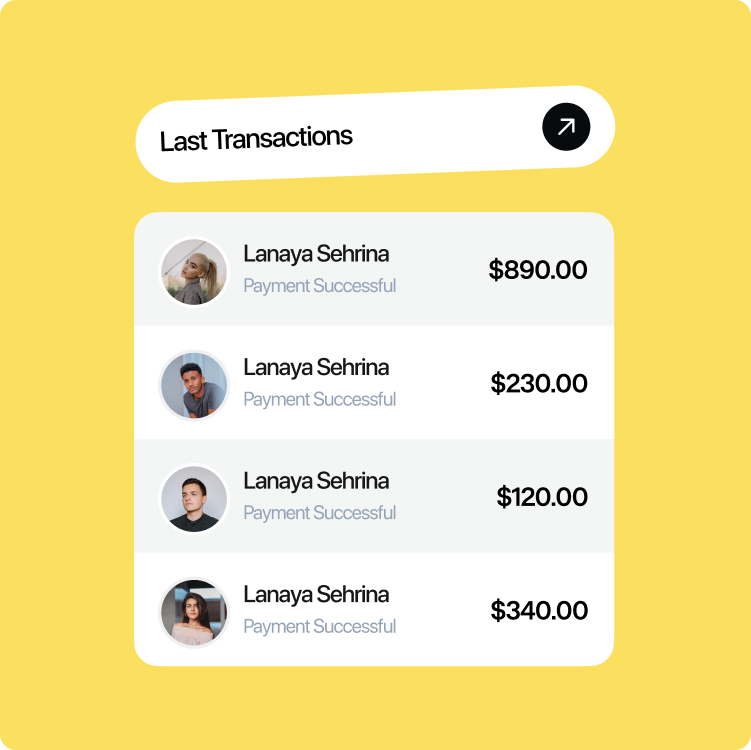
The 5 steps below turn the 4 questions into screens. The time windows are design targets for the trust decision. Full identity verification can run longer, and that's fine once the user has a reason to continue.
- 0 to 10 seconds: say what this is. The first screen has one line describing the product, one primary action and a link to fees. It asks for nothing yet. A new user should be able to repeat the offer to a friend after reading it once.
- 10 to 20 seconds: show who is behind it. Put the legal entity name, regulator and license number on the welcome screen or one tap from it. Add a support channel. These are the 3 facts a cautious user looks for before typing anything.
- 20 to 40 seconds: ask for the least you can. Start with a phone number or email and a verification code. Place the reason for each field beside it, and show where the user is in the flow, for example "Step 1 of 3".
- 40 to 50 seconds: preview the verification step. Before the ID or selfie screen, say which document is needed, how long the check takes and what happens to the image afterwards. Where regulation permits, let the user see a preview of the account first.
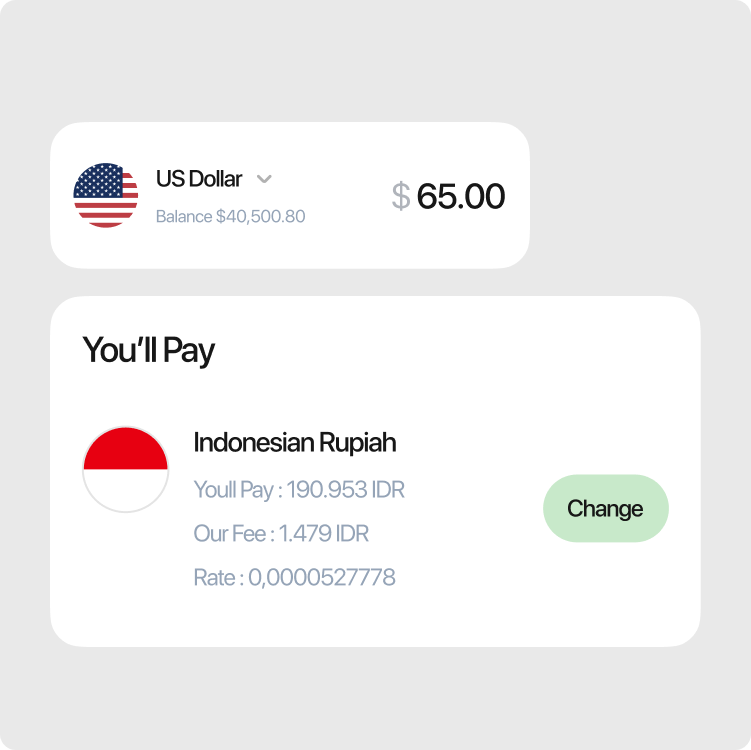
- 50 to 60 seconds: give a first real result. Show something concrete: a confirmed account, a quoted rate, a sample dashboard populated with the user's own name. End with the next step and a time estimate.
Which trust signals backfire?
A trust signal works when the user can check it and the product can back it up. These 5 fail that test.
- Badges with no source. A "bank-grade security" icon that links nowhere gives a cautious user nothing to verify. Link each badge to the certificate, register or policy behind it.
- Social proof nobody can confirm. A line like "Trusted by 1M users" needs a date and a source. If finance can't confirm the number, remove the line.
- Jargon in security copy. "256-bit encryption" means little to most users. Say what it protects, for example "Your ID image is encrypted and deleted after verification," and write only what the product does. Engineering and compliance should confirm each claim.
- Early gates. NN/g reports that asking for personal information before users can explore degrades trust. A required account before the user sees any rate is the common case.
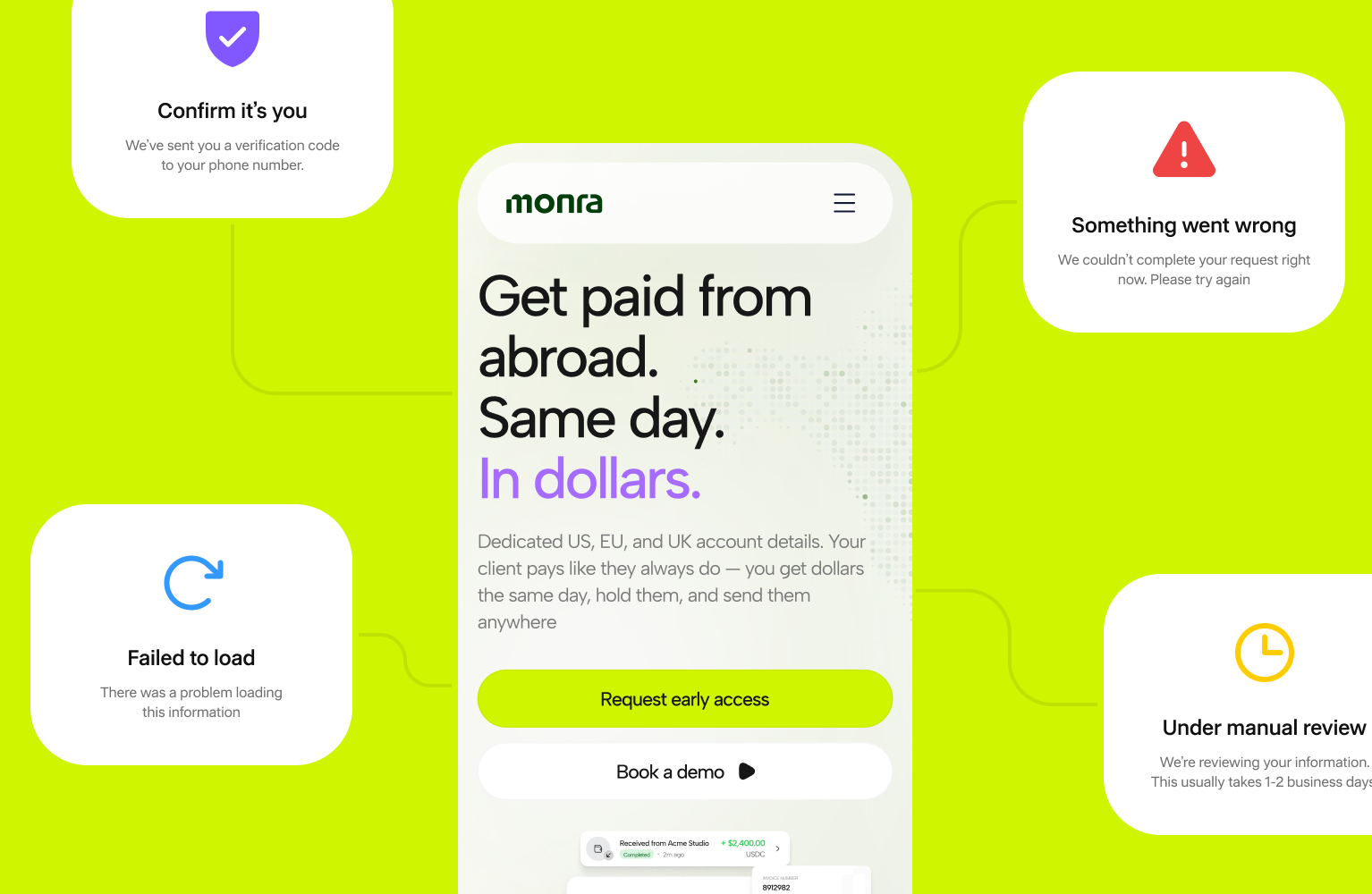
- Vague errors. A failed ID check is a trust moment. Say what failed, offer a retry, and give a route to a human.
How do you measure trust in onboarding?
Trust has no single metric. Put a funnel event on every screen in the 5 steps, then read the drop-off at each one against that step's job. Signicat's 3 abandonment reasons (time, data volume, changed mind) give you hypotheses to test first.
- Define one core flow. For a wallet, that's sign-up, KYC, top-up and send.
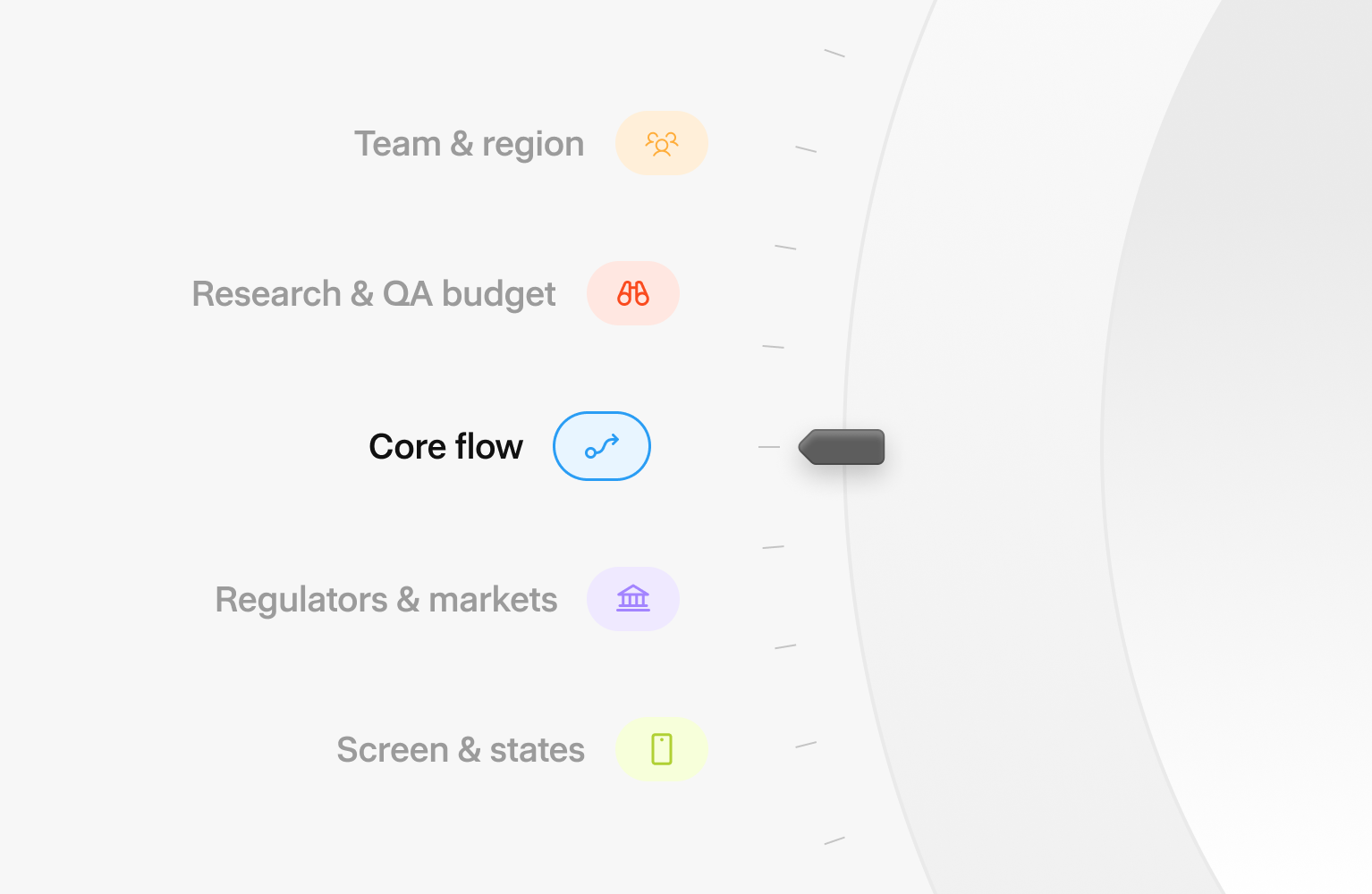
- List your regulators and markets. EU users mean PSD2 and the EAA. Card data means PCI DSS. Indonesian users mean UU PDP and OJK rules.
- Count screens and states. Include errors, empty states and review states along withthe happy path.
- Pick a team model and region. Multiply estimated hours by the rate from the table above.
- Add a budget line for research, testing and design QA. Plan yearly upkeep separately; Six2eight estimates it at 15% to 25% of the build cost.
Pair the numbers with moderated sessions on the first 3 screens. Ask new users to say what the product is, who runs it and what it will ask for next. Teammates know the answers, so recruit people who have never seen the product.
Want a second look at your fintech onboarding flow?
Onboarding is where a new fintech product wins or loses its first users.Hatypo Studio has delivered 15+ fintech projects since 2021, and projects start at $3,000 with the price following the scope.
- If you're building a new fintech app, we design the first-run flow from welcome screen to first result before development starts.
- If your onboarding loses users on a specific step, we review the funnel and redesign that step.
- If your product has outgrown its first version, we redesign the flow across web and mobile.
Tell us where your users drop off and we'll suggest where to start: Book a consultation.
How Much Does Fintech App Design Cost in 2026?
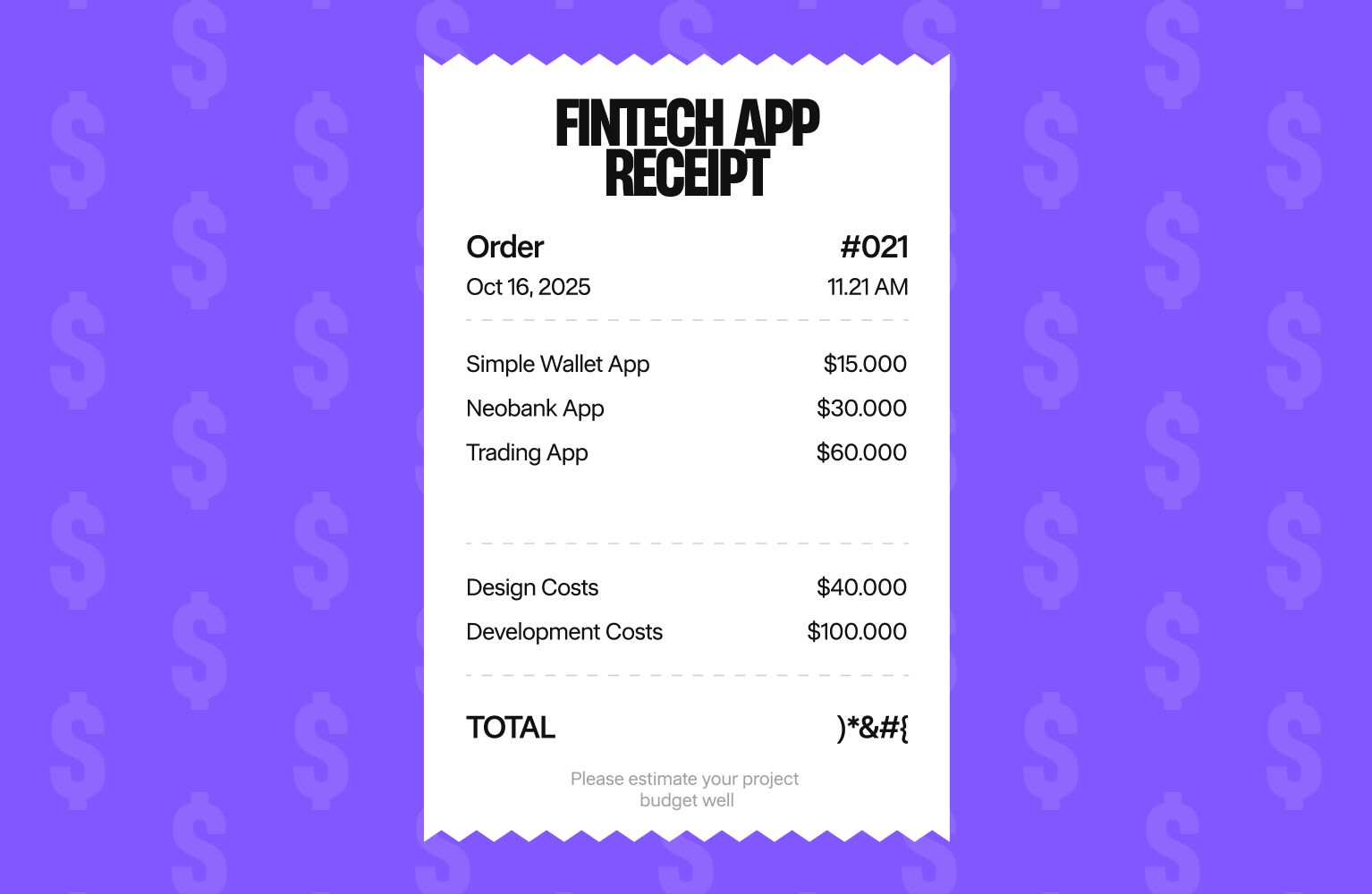
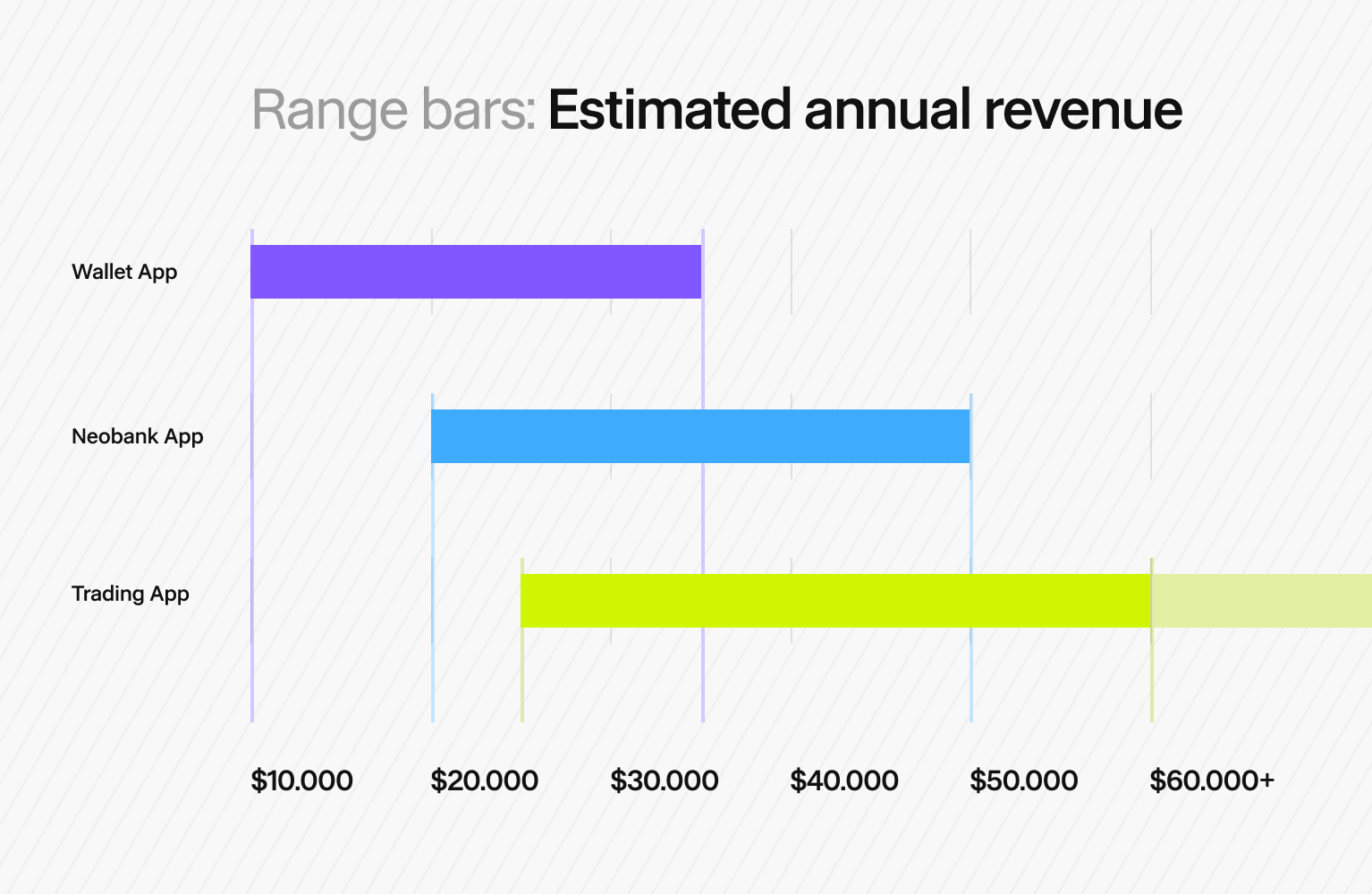
UI/UX design for a fintech app usually costs $10,000 to $60,000+ in 2026. A simple wallet or MVP sits near $10,000 to $35,000, a neobank or lending app near $20,000 to $50,000, and a trading or multi-product platform at $25,000 to $60,000 or more. Design plus development costs $40,000 to $150,000 for an MVP and $150,000 to $500,000+ for a full platform.
Those ranges come from 2026 pricing guides published by Clutch, Cleveroad, six2eight, Interexy and Saigon Technology. They're agency estimates, so read them as ranges. I've designed digital products for 10 years, and Hatypo Studio has delivered more than 10 fintech projects. Below I show where the money goes and how to plan a budget that holds up.
Key takeaways
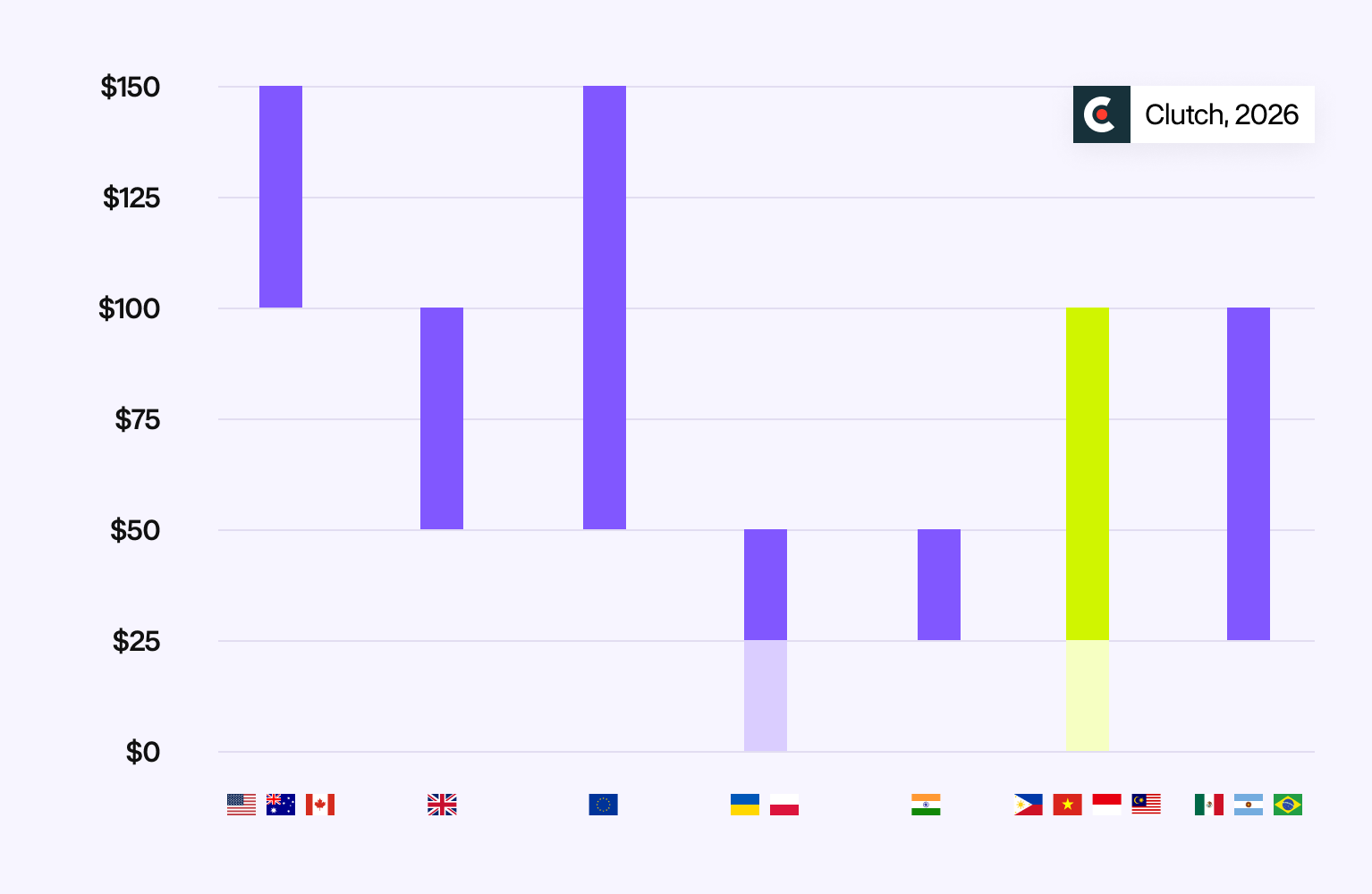
- US agencies bill $100 to $149 per hour. Southeast Asian studios bill from under $25 to$99.
- KYC onboarding, authentication, compliance and accessibility are the main reasons fintech design costs more than other apps.
- Budget separately for research, testing and design QA, then plan yearly maintenance at 15% to 25% of the build cost.
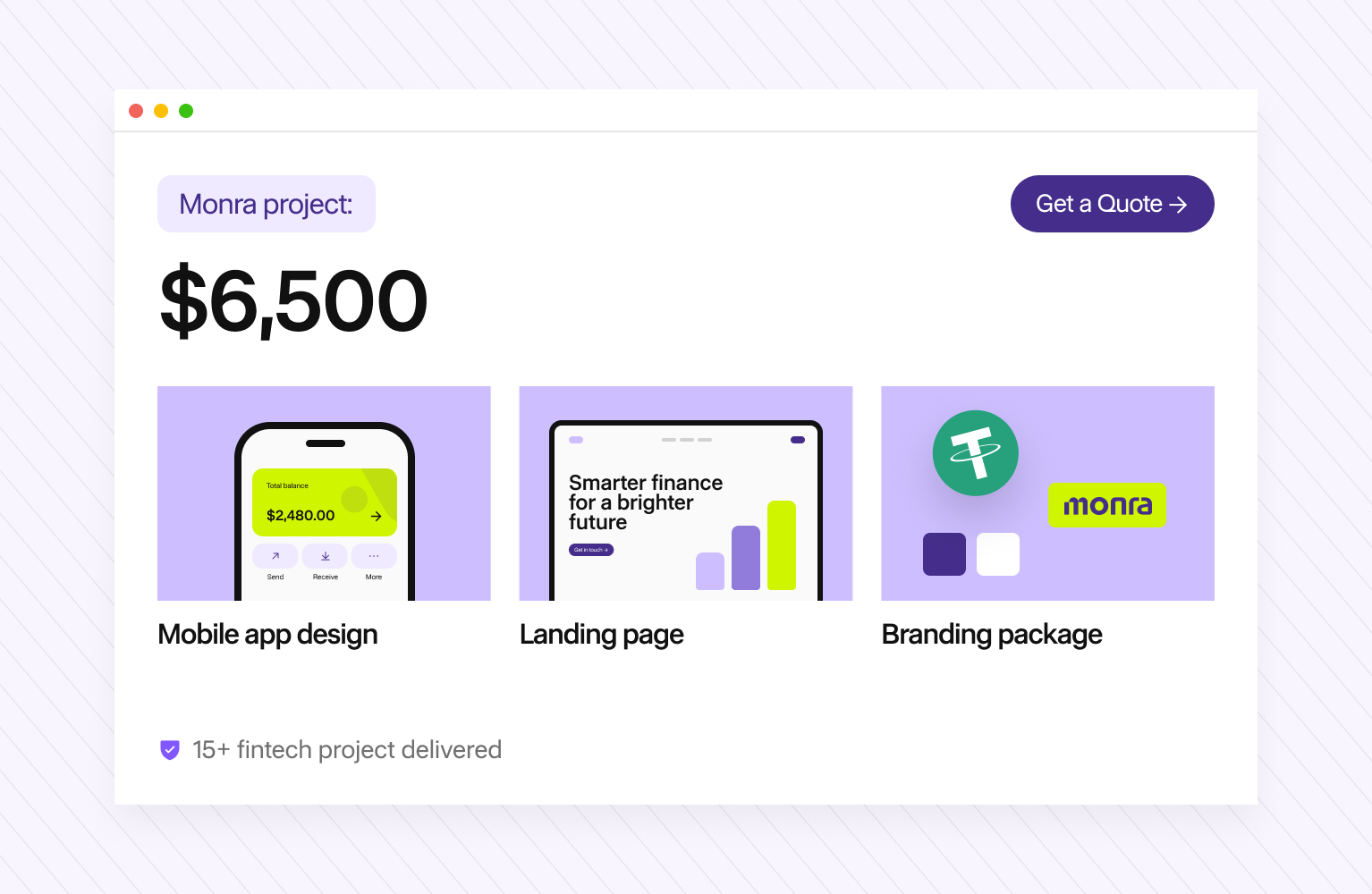
- At Hatypo Studio, price follows scope. One fintech project cost $6,500 for mobile appdesign, a landing page and a branding package.
What does fintech app design cost by complexity?
The price depends mostly on how complex your app is. I group the published 2026 ranges into 3 tiers.
Sources disagree on full builds. Saigon Technology quotes $60,000 to $150,000 for a neobank MVP. Interexy quotes $350,000 to $900,000+ for a full-stack neobank. The spread comes from scope, team location, and how much compliance work each vendor counts
How much do UI/UX designers charge per hour in 2026?
Hourly rates for similar work run from under $25 to $149 or more, depending on where your team sits. These are agency rates from Clutch's 2026 UX/UI pricing guide and Clutch country listings.
Most UX agencies on Clutch bill $25 to $49 per hour. Clutch puts the average reviewed UX project at $84,973, with a typical timeline of about 10 months and a monthly average of roughly $8,895.
Clutch rate bands are self-reported by agencies. Use them to compare, then ask for a scoped quote.
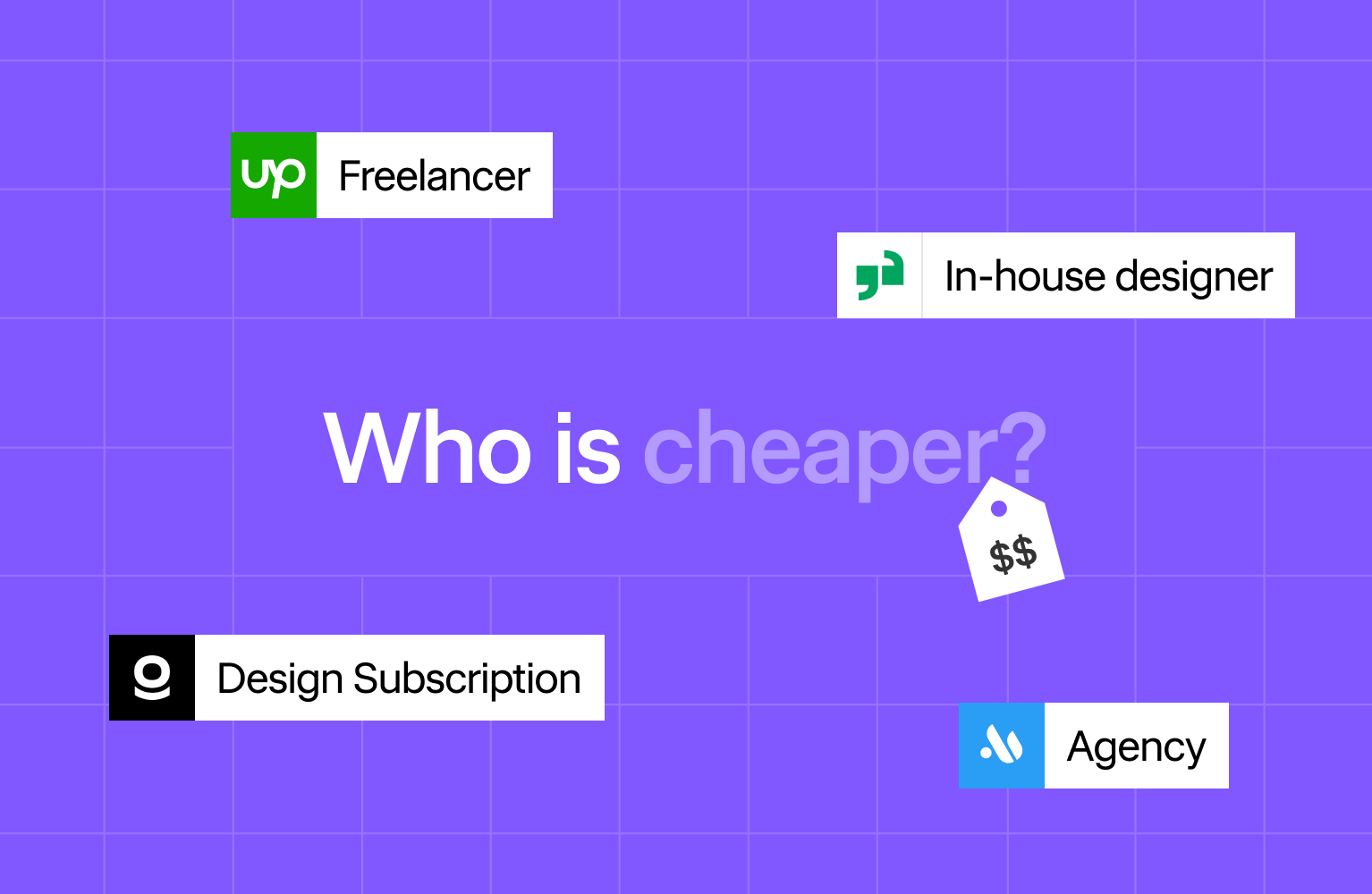
Is an agency, freelancer, in-house designer or subscription cheapest?
A freelancer has the lowest hourly rate, and each model covers different risks.
- Freelancer. Upwork reports a median of $27 per hour for UX designers, with most between $25 and $39. One person rarely covers research, UI, design systems and accessibility audits.
- In-house designer. Glassdoor puts the average US UX designer salary at $108,658 per year (about $52 per hour) before benefits, equipment and recruiting.
- Design subscription. Designjoy charges $4,995 per month for one request at a time. It suits steady UI requests more than a regulated product that needs research and compliance review.
- Agency or studio. You pay a higher rate for a team: researcher, product designer, UI designer, and often front-end developers. In fintech, that team usually catches compliance and edge-case problems earlier.
For a first fintech launch, I recommend a studio for the core product design, then an in- house hire once the product has traction.
What makes fintech design cost more than other apps?
A fintech app has more states per screen than a typical consumer app, and someone has to design and test each one.
How much do KYC and onboarding flows add?
On our fintech projects, onboarding is usually the single largest flow we design. It's also where you lose the most users.
Signicat's Battle to Onboard research (2022) surveyed 7,600 consumers in 14 European markets. 68% had abandoned a financial services application in the past year, and people gave up after 18 minutes 53 seconds on average. 38% quit because they didn't have the required identity document.
A good onboarding flow needs document capture, liveness checks, failure and retry screens, manual review states, and clear copy explaining why you ask for each item.
Do PCI DSS, PSD2 and data protection laws change design scope?
Yes. Each one adds screens and states.
- PCI DSS v4.0.1. All 51 future-dated requirements became mandatory on March 31, 2025. Payment pages need stricter script control and stronger multi-factor authentication, which affects card entry and login design.
- PSD2 strong customer authentication. In the EU, the European Banking Authority requires 2 of 3 independent factors: knowledge, possession and inherence. You need step-up authentication, biometric prompts and fallbacks.
- GDPR and local laws. Indonesia's Personal Data Protection Law (Law No. 27 of 2022) has been fully in force since October 17, 2024. Consent screens, data-access requests and privacy settings all need design.
Does accessibility add cost?
It adds cost when you leave it until the end. The European Accessibility Act has applied to consumer banking services since June 28, 2025.
WCAG 2.2 adds 9 success criteria, including a 24 by 24 CSS pixel minimum target size and accessible authentication rules. Building contrast, focus states and screen-reader labels into components from day 1 costs far less than fixing a finished app.
What else pushes the price up?
- Number of screens and flows. As a rough guide, a wallet MVP has 30 to 50 screens, and a neobank with cards, transfers, statements and support can pass 150.
- Platforms. iOS, Android and web each need layout work, even with a shared design system.
- Dashboards and data visualization. Trading and wealth apps need charts, alerts, and empty, loading and error states for live data.
- Localization. Currency formats, right-to-left languages and longer translated strings change layouts.
- Design system. Six2eight and Liqteq list enterprise design systems at $40,000 to $80,000. A starter component library costs much less.
What hidden and ongoing costs should you budget for?
Founders most often miss 3 costs: research, design QA and post-launch iteration.
- User research and usability testing. Nielsen Norman Group advises spending a 15-user budget on 3 studies of 5 users each. User Interviews recommends incentives of about $80 per hour for remote moderated consumer studies. With 1-hour sessions, that's about $1,200 in incentives for 3 rounds of 5, before recruiting and moderation time.
- Design QA during development. Designers need time to review builds, answer developer questions and fix gaps. Budget design hours for the whole build.
- Post-launch iteration. Six2eight estimates annual maintenance at 15% to 25% of the build cost. Interexy puts post-launch costs (API fees, audits, hosting, licensing) at $30,000 to $100,000+ per year.
How should you budget for fintech app design?
Price one core flow first, then add platforms, markets and upkeep. This is how I walk clients through a budget before we quote.
- Define one core flow. For a wallet, that's sign-up, KYC, top-up and send.
- List your regulators and markets. EU users mean PSD2 and the EAA. Card data means PCI DSS. Indonesian users mean UU PDP and OJK rules.
- Count screens and states. Include errors, empty states and review states along with the happy path.
- Pick a team model and region. Multiply estimated hours by the rate from the table above.
- Add a budget line for research, testing and design QA. Plan yearly upkeep separately; Six2eight estimates it at 15% to 25% of the build cost.
How can you cut design cost without hurting trust or compliance?
You can save on scope, platforms and team location without touching the parts that protect users.
- Launch 1 product first. Add cards, investing or lending after the core flow works.
- Use a cross-platform UI. One component set for iOS and Android cuts layout work.
- Start with a small design system. Build the core components first and add the rest as the product grows.
- Use your KYC vendor's SDK, styled to your app. Flat Studio reported that bringing verification into the product interface cut drop-off from 48% to 30% on one banking project. That's a single agency case.
- Test small and often. 5 users per round, 3 rounds, costs less than one large study.
- Work with a lower-cost region. A Southeast Asian or Eastern European studio can cut hourly costs by half or more compared with US agencies.
I wouldn't cut security states, error messages, consent screens or accessibility. Regulators check them, and they decide whether a user trusts your app with money.
What does a fintech project cost at Hatypo Studio?
Our price follows the scope of each project. As one example, a fintech project we delivered cost $6,500 and included mobile app design, a landing page and a branding package.
Hatypo Studio is a UI/UX design studio in Surakarta, Indonesia, founded in 2021. Fintech is our specialty.
That project came in below the $10,000 market floor because of location. Studios in Indonesia, Vietnam and the Philippines list rates from under $25 to $99 per hour on Clutch, against $100 to $149 for US agencies. Larger copes, such as a full neobank or a trading platform, cost more.
Want a real quote for your fintech app design?
A fintech budget goes furthest when you price one core flow first and keep every screen that protects your users.
Hatypo Studio has delivered 15+ fintech projects since 2021, and we price each one by its scope. The work splits into 3 scopes depending on your stage:
- If you're pre-launch and need a real product to show investors or first users, we design your mobile app, landing page and brand as one package.
- If sign-up loses users at KYC, we redesign your onboarding and verification flow.
- If your product has outgrown its first screens, we design your dashboards and the design system behind them.
Tell us your core flow, your markets and your launch date. Book a consultation, and you'll get a scoped quote from our team.